
Free 12 Month Access to Adobe Photoshop Web
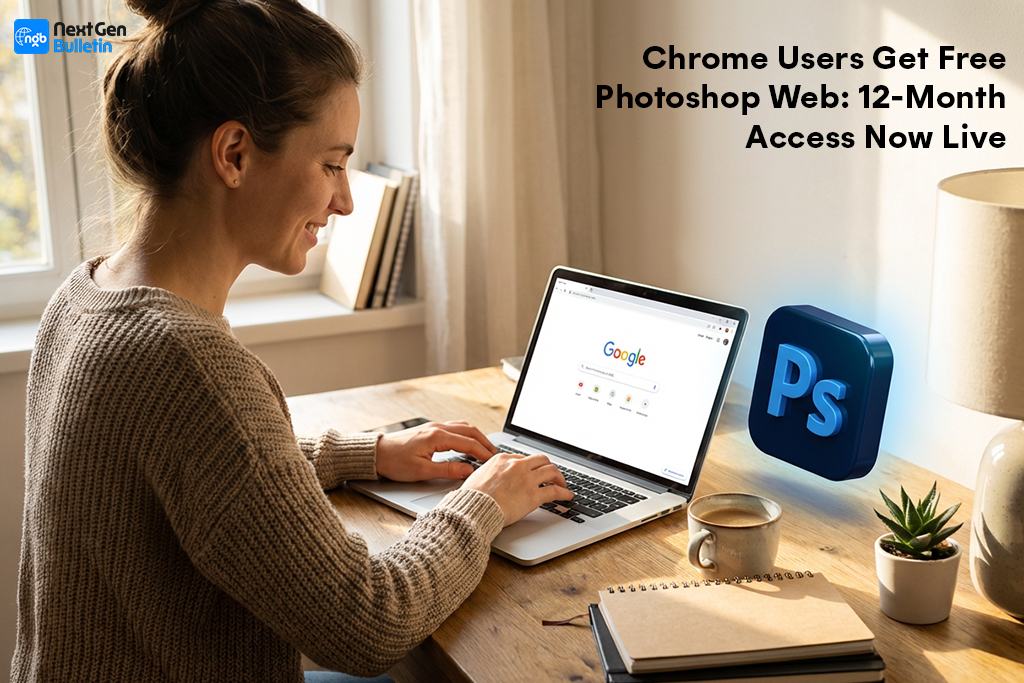
Google Chrome users can now unlock free 12-month access to Adobe Photoshop Web, thanks to a new collaboration between Google and Adobe. The limited-time offer provides full access to Photoshop’s browser-based editing suite, an alternative to traditional desktop software that normally requires a paid Creative Cloud subscription. According to the announcement, users must install the Adobe Photoshop extension for Chrome before December 8, 2025, to activate the offer.
Photoshop Web mirrors many of the classic Photoshop tools but runs entirely online, making professional editing accessible to users with basic laptops, Chromebooks, or lower-end devices. Features such as layers, masks, precision selection tools, smart healing, and AI-powered enhancements are all built into the browser workspace. The offer makes advanced image editing accessible for a global user base that might not have access to powerful hardware.
Moreover, this move is strategic for both companies. For Google, it strengthens Chrome’s ecosystem by positioning the browser as a productivity hub. For Adobe, it introduces millions of potential new users to the Photoshop platform, a strong onboarding path into Creative Cloud.
Google Chrome Photoshop Extension
The Google Chrome Photoshop extension is central to this offer. Once installed, the extension seamlessly integrates Photoshop Web into the Chrome interface. Instead of manually downloading images from the internet and uploading them into editing software, users can right-click any image and instantly send it to Photoshop Web.
The extension also adds an editing shortcut to the Chrome toolbar. Users can access all their projects, create new designs, upload images, and sync work across devices. It essentially turns Chrome into a lightweight editing studio perfect for creators, students, and small businesses that rely heavily on quick-turnaround visuals.
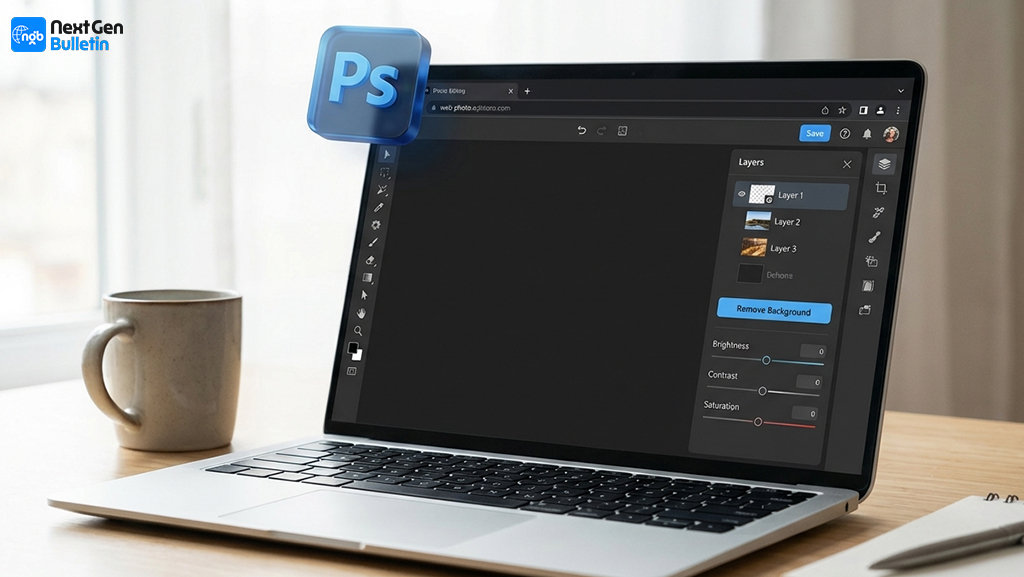
Google says the extension was designed with workflow efficiency in mind. Marketers, journalists, designers, and ecommerce sellers often need rapid edits, and a browser-based editor removes friction from the process. The extension reduces reliance on desktop apps and ensures editing becomes part of the browsing experience itself.
Free Photoshop Web Subscription
The free Photoshop Web subscription gives users access to many premium features typically found in paid Creative Cloud plans. The subscription includes:
- Full online editing capabilities
- Access to AI-powered features
- Cloud project syncing
- Unlimited edits and exports
- Access to popular editing presets
The subscription remains active for 12 months from the date of activation. After it expires, users can choose to upgrade to paid plans or continue using limited free features.
Adobe states that Photoshop Web is particularly valuable for users who travel frequently or work across multiple devices, as it eliminates installation requirements. The subscription not only introduces new users to Photoshop but also allows long-time professionals to work on the go.
Edit Images Directly in Browser
One of the most appealing aspects of Photoshop Web is the ability to edit images directly in browser, no installation, no heavy startup times, and no compatibility concerns. Users can adjust exposure, fix imperfections, remove backgrounds, apply filters, resize for social media, and export in multiple formats.
For students and beginners, the lightweight interface reduces the learning curve, providing guided tutorials and auto-adjust tools. For professionals, Photoshop Web supports advanced operations like smart object management, layer blending, and fine-detail retouching.
The ability to import and edit images with just one click from Chrome massively speeds up the workflow for anyone working with online assets.
Background Removal Web Tool
The background removal web tool is one of Photoshop Web’s top AI-powered features. With one click, the tool isolates subjects and removes backgrounds cleanly, ideal for ecommerce products, social media graphics, profile photos, posters, and content creation.
Unlike many free background-removal tools, Adobe’s version uses high-precision selection algorithms that preserve hair details, shadows, and edges. Users can then refine the cutout with brushes, apply custom backgrounds, create product mockups, or build layered designs entirely inside the browser.
Brands, influencers, and small sellers will find this particularly powerful, turning Chrome into a mini studio for rapid visual production.
Claim Free 12-Month Photoshop Web
To claim free 12-month Photoshop Web, users must:
- Open Google Chrome
- Install the Adobe Photoshop Web extension
- Log in with or create an Adobe account
- Activate the free subscription before 8 December 2025
The offer is available globally, but only for Chrome users. Once activated, the subscription syncs across Chrome desktop and ChromeOS devices.
Bottom Line
The partnership between Google and Adobe brings professional editing to the everyday browser. With free 12-month access to Photoshop Web, users can edit, retouch, and design directly in Chrome powered by AI tools like background removal and smart adjustments.
For more AI and tech news, visit our homepage.

