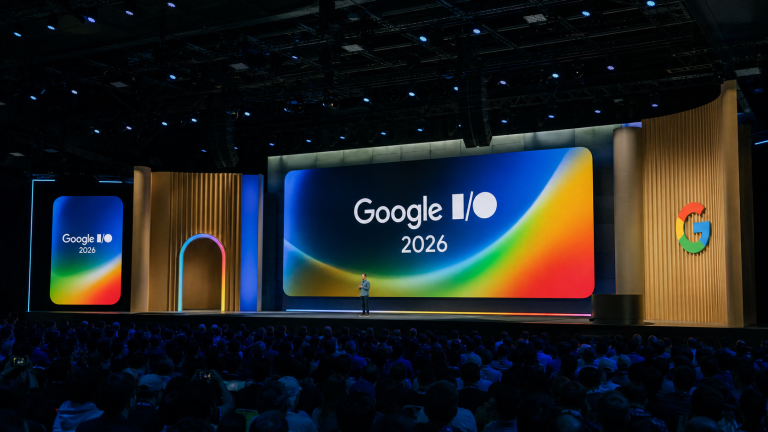
Google unveiled Wear OS 7 at I/O 2026, bringing 10% better battery life, Gemini AI integration, real-time Live Updates, redesigned Wear Widgets, and a universal fitness tracking experience — the most comprehensive smartwatch platform overhaul in years.
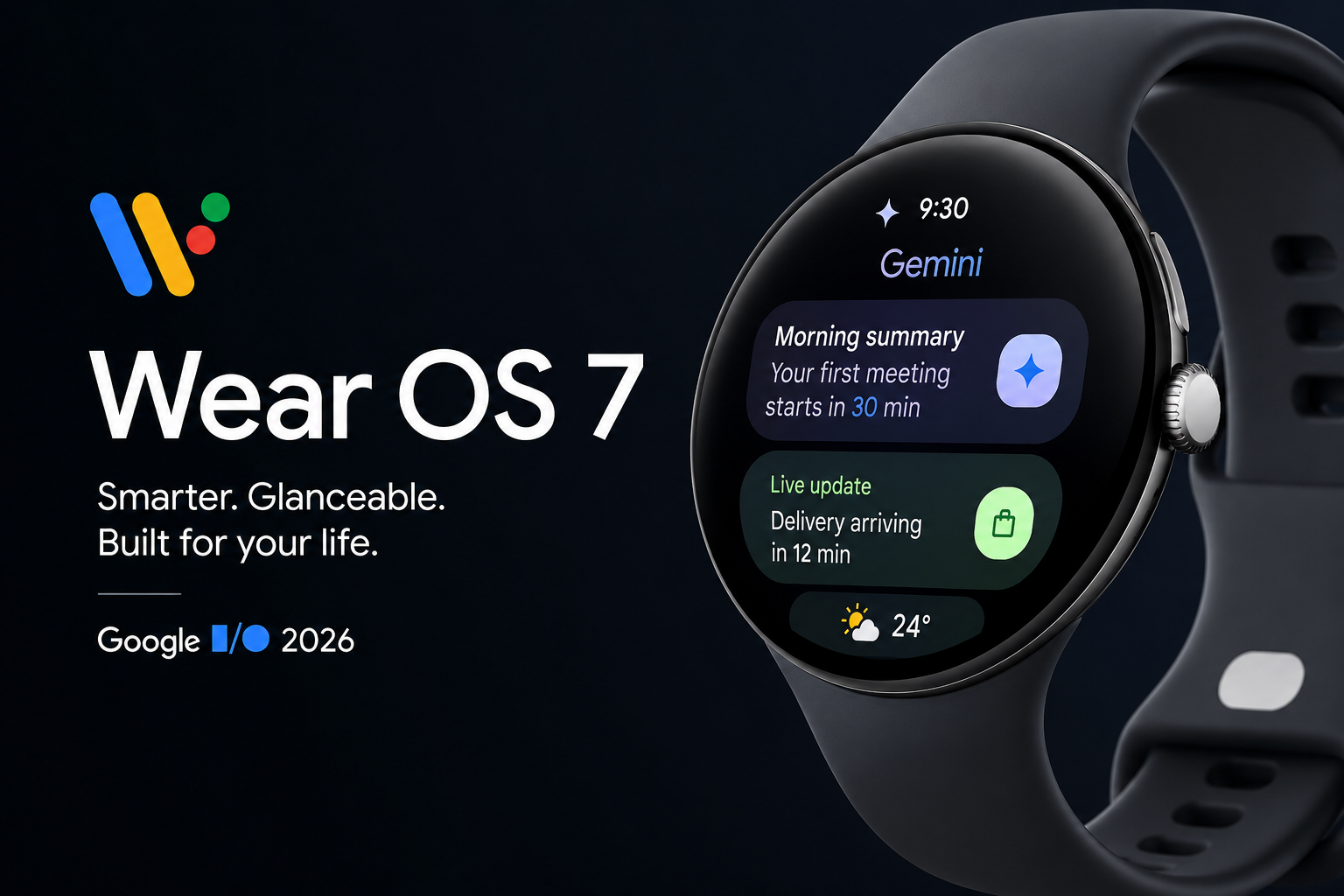
Google officially unveiled Wear OS 7 at Google I/O 2026, marking the most comprehensive overhaul to its smartwatch platform in years. Built on Android 17, this next-generation wearable operating system brings smarter AI integration, redesigned UI elements, real-time Live Updates, and measurable battery life improvements — all aimed at making your smartwatch feel less like a phone accessory and more like an intelligent companion on your wrist.
What Is Wear OS 7 and When Is It Coming?
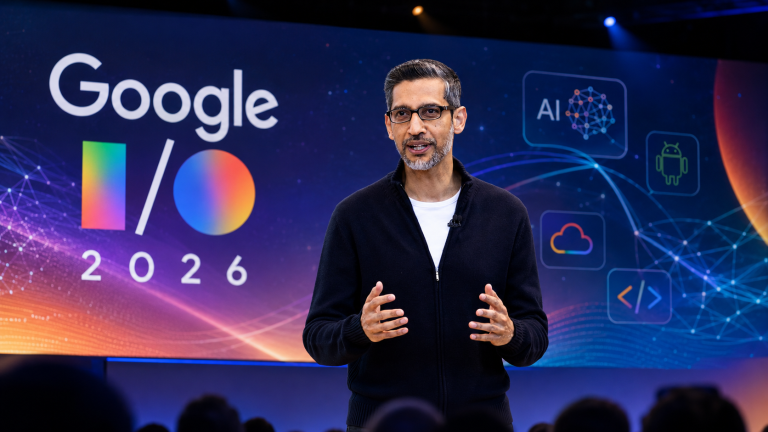
Wear OS 7 is Google’s latest wearable operating system, announced at Google I/O 2026 on May 19. The platform is built on top of Android 17 and introduces sweeping changes to how smartwatch apps, notifications, and AI features behave. A developer Canary emulator is already live as of the announcement, while the full consumer rollout is scheduled for later in 2026, coinciding with new Pixel Watch hardware.
For developers, the early access Canary build is an invitation to optimize their apps ahead of the wave of new Wear OS 7-compatible watches expected later this year. For everyday users, this is the update that could finally make wearing a smartwatch all day feel worthwhile.
10% Better Battery Life Out of the Box
One of the most headline-worthy improvements in Wear OS 7 is battery efficiency. Google says Wear OS 7 delivers approximately 10% better battery life compared to Wear OS 6 across all supported devices. That might sound modest at first glance, but for a smartwatch platform where every extra hour of endurance matters, this is a meaningful leap — especially when combined with the dual-chip efficiency gains already introduced with the Pixel Watch 4.
Battery anxiety has been one of the most common complaints from smartwatch users, and Wear OS 7 addresses it at the OS level, meaning users don’t need to sacrifice features or always-on displays just to make it through the day.
Gemini Intelligence Comes to Your Wrist
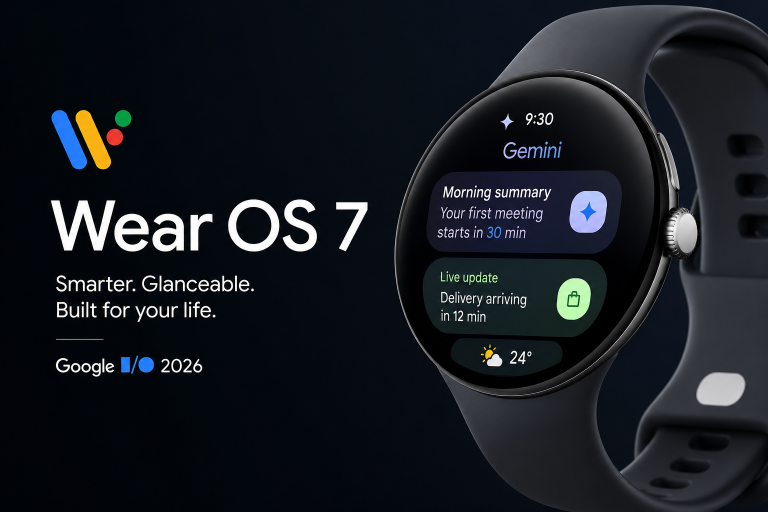
Wear OS 7 introduces Gemini Intelligence to select smartwatches, bringing Google’s most advanced AI directly onto your wrist. Rather than requiring a phone lookup or a voice command chain, Gemini on Wear OS 7 is designed to be proactive — surfacing contextually relevant suggestions and information before you even think to ask.
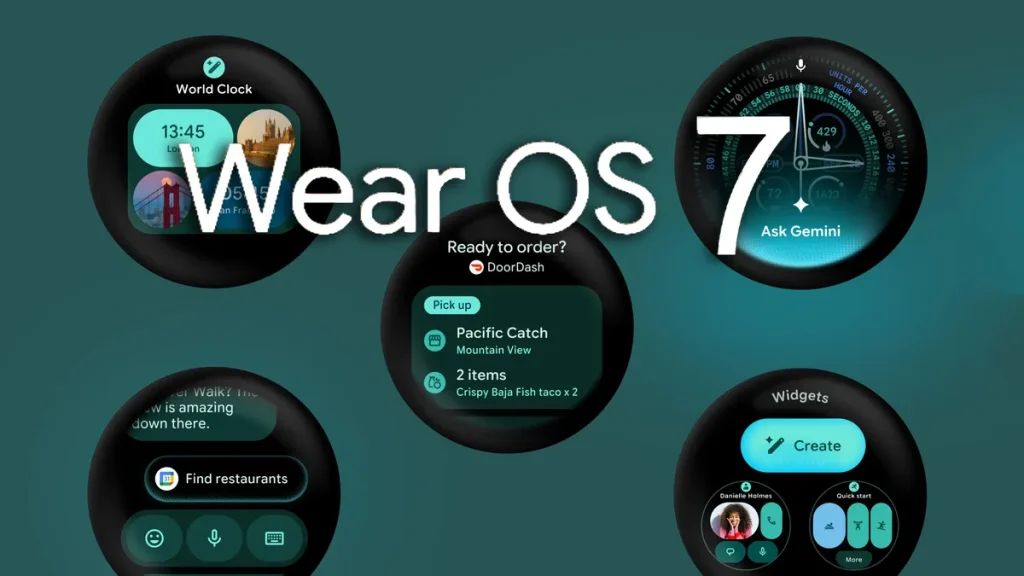
The AI integration also extends into third-party app functionality through the new AppFunctions API. This developer-facing tool allows apps to register specific capabilities that Gemini can trigger directly. Practical examples include asking Gemini to place a DoorDash order, hail a rideshare, or find nearby restaurants — all from the watch face, without ever touching your phone. While Google has acknowledged that specific AppFunctions details are still being finalized, the direction is clear: Wear OS 7 wants Gemini to be a genuine wrist-level assistant, not just a voice search shortcut.
Live Updates: Real-Time Info Straight to Your Watch Face
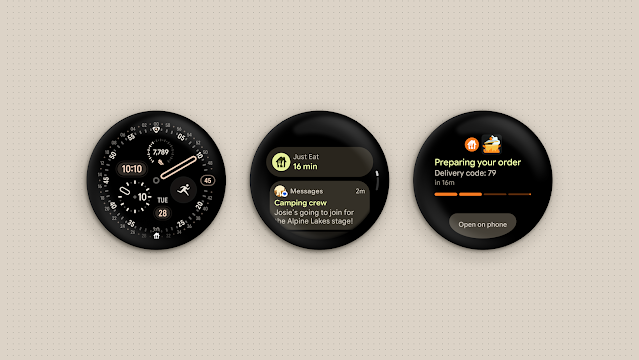
Live Updates is one of the most user-facing changes in Wear OS 7, and it reimagines how time-sensitive notifications appear on the watch. When an app sends a Live Update — think delivery ETAs from Just Eat, rideshare arrival countdowns, sports scores, or event reminders — a small notification icon appears directly on your watch face. Tapping it reveals a dynamically updating notification card with real-time details.
What makes this particularly useful is the bridge behavior: Live Updates that begin on a supported phone automatically transfer to the watch without requiring any manual intervention. Users don’t need to unlock their phone to check whether their DoorDash order is still on the way — a glance at the wrist is all it takes. An expanded view also offers quick actions, so users can interact with the update directly from their watch.
Tiles Are Out — Wear Widgets Are In
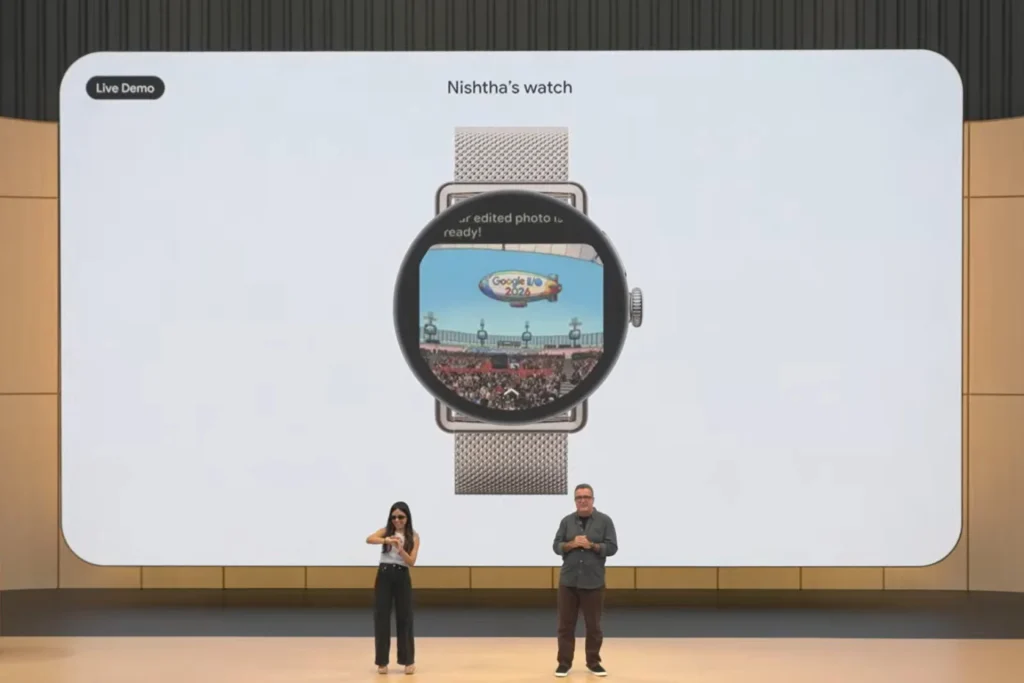
Wear OS 7 replaces the long-standing Tiles interface with a new Wear Widgets system. Unlike the full-screen, swipeable tiles of previous Wear OS versions, the new widgets come in compact 2×1 and 2×2 formats that align with the widget sizes found on Android phones. This consistency across devices makes the experience feel more cohesive and intentional.
The widget redesign also gives users a more flexible home screen. Instead of dedicating an entire swipe screen to a single piece of information, multiple widgets can coexist in a denser, more glanceable layout. Google says the new widget system also gives developers a simpler, more standardized way to build for the watch home screen — potentially expanding the ecosystem of useful, custom watch-face content.
A Universal Fitness Tracking Experience
Another significant change in Wear OS 7 is the introduction of a standardized workout-tracking experience that all fitness and health apps can opt into. Rather than each app building its own workout UI from scratch, developers can adopt Google’s universal tracking interface — complete with heart rate monitoring, media playback control, and other core features — all styled consistently across the platform.
For users, this means a more predictable and polished experience when switching between fitness apps on the same watch. Whether you’re using a third-party running tracker or Google’s native fitness tools, the interface and data presentation will feel unified and familiar.
Smarter Media Controls and Remote Output Switching
Wear OS 7 also brings improvements to the media player experience. Users will be able to control auto-launch behavior — deciding whether the media player opens automatically when audio begins playing in an app. This gives users more intentional control over their watch’s behavior during workouts, commutes, or any scenario where auto-launching the media UI might be disruptive.
Additionally, a new Remote Output Switcher is coming to the media controls screen. This feature lets users swap playback destinations directly from their wrist — switching from phone speakers to Bluetooth headphones, Google Cast-enabled speakers, or Google Home devices without needing to open a phone app. It’s a small but genuinely useful quality-of-life addition for anyone who regularly moves audio between devices throughout the day.
Watch Face Format 5 and Developer Improvements
On the development side, Wear OS 7 introduces Watch Face Format 5, which brings richer design capabilities to third-party watch face creators. One of the persistent pain points in the Wear OS ecosystem has been that third-party watch faces often feel slightly inconsistent compared to first-party ones. Watch Face Format 5 aims to close that gap by giving developers access to more expressive design tools and better rendering fidelity.
Beyond watch faces, Google is also rolling out a suite of new development tools designed to simplify navigation architecture and reduce the friction of building for small-screen, input-constrained devices. These backend improvements may not be visible to end users directly, but they will translate into a healthier and more robust third-party app ecosystem over time.
What Wear OS 7 Means for Current Pixel Watch Owners
Pixel Watch 4 owners appear to be in the best position for a smooth Wear OS 7 upgrade, given the device’s hardware architecture and Google’s typical support priorities. Older Pixel Watch models may see a more limited rollout — particularly given the reality that Wear OS has historically struggled with manufacturer support timelines across the wider Android ecosystem.
That said, Wear OS 7 represents the most compelling smartwatch OS upgrade pitch from Google in recent memory. The combination of tangible battery improvements, Gemini AI integration, redesigned home screen widgets, and real-time Live Updates addresses the core frustrations that have held back Wear OS adoption for years. Whether Google’s execution matches its ambition will become clearer as the full rollout unfolds later in 2026.
Frequently Asked Questions About Wear OS 7
When will Wear OS 7 be released?
Google announced Wear OS 7 at Google I/O 2026 in May and confirmed it will arrive “later in 2026.” A developer Canary emulator is available now for testing, while the public release is expected alongside new Pixel Watch hardware.
Which watches will get the Wear OS 7 update?
Google has not published a full compatibility list yet. Pixel Watch 4 is expected to be the primary recipient of the update. Older models like the Pixel Watch 3 and Pixel Watch 2 may receive partial updates, though full Wear OS 7 features — especially Gemini Intelligence — may be limited to select devices.
What is Gemini Intelligence in Wear OS 7?
Gemini Intelligence is Google’s AI-powered assistant feature coming to compatible Wear OS 7 watches. It enables proactive, personalized suggestions and allows users to trigger app-specific actions through natural voice commands — such as placing food orders or managing tasks — directly from the wrist, without needing to interact with a phone.
What are Live Updates in Wear OS 7?
Live Updates are real-time, dynamically refreshing notification cards that appear on the watch face. They pull information from apps like food delivery services, rideshare platforms, and sports apps — automatically bridging from phone to watch — so you always have up-to-date info at a glance without reaching for your phone.
How much better is the battery life in Wear OS 7?
Google claims Wear OS 7 delivers approximately 10% better battery life compared to Wear OS 6, applied uniformly across all supported hardware. This improvement is achieved through platform-level optimizations rather than hardware changes, meaning existing watches should benefit from the efficiency gains upon updating.
What replaced Tiles in Wear OS 7?
Google replaced full-screen Tiles with the new Wear Widgets system in Wear OS 7. These compact, phone-consistent 2×1 and 2×2 widgets allow multiple pieces of information to appear on the home screen simultaneously, making the watch face more flexible and information-dense than before.
Final Thoughts: Is Wear OS 7 the Turning Point Google Needed?
Wear OS has had an uneven history — strong hardware foundations on the Pixel Watch line, but software that often felt one step behind the competition. Wear OS 7 changes that narrative in a meaningful way. The combination of improved battery efficiency, Gemini-powered AI actions, Live Update notifications, and a modernized widget system gives the platform a genuinely competitive edge heading into the second half of 2026.
For smartwatch enthusiasts, tech consumers, and anyone who has been watching the Wear OS space with cautious optimism, Wear OS 7 is the most exciting development on the platform in years. The rollout details still need to be confirmed — particularly around device compatibility and regional availability — but the foundation Google has laid with this announcement is impressive. Keep this page bookmarked as we’ll be updating coverage as new details emerge closer to the launch window.