Google has integrated its experimental Opal technology directly into the Gemini web interface, enabling users to build custom AI-powered mini applications without writing a single line of code. The tech giant announced the integration on December 17, 2025, making it significantly easier for Gemini users to create personalized AI tools tailored to their specific needs. …
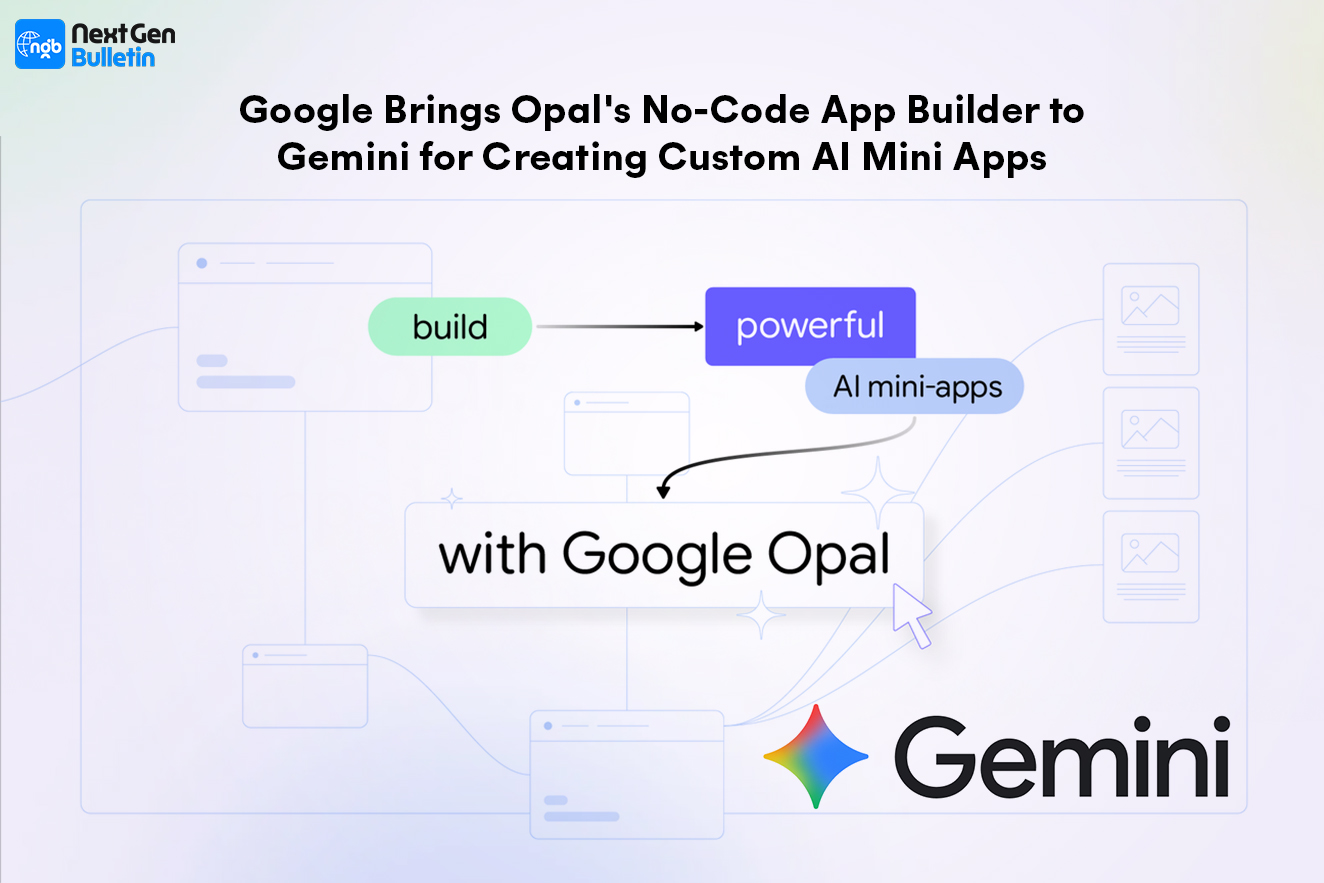
Google has integrated its experimental Opal technology directly into the Gemini web interface, enabling users to build custom AI-powered mini applications without writing a single line of code.
The tech giant announced the integration on December 17, 2025, making it significantly easier for Gemini users to create personalized AI tools tailored to their specific needs. This move represents Google’s continued effort to democratize app development and make AI more accessible to everyday users.
What Is Google Opal and How Does It Work?
Google Opal is an AI-powered, no-code development platform that first launched as a Google Labs experiment in July 2024. The tool allows users to create functional mini applications using natural language descriptions instead of traditional programming.
The concept, often referred to as “vibe-coding,” has gained tremendous momentum in recent years as AI technology has advanced. Users simply describe what they want their app to do, and the system generates the necessary structure and functionality automatically.
Building Apps Through Conversation
When creating an app with Opal in Gemini, users interact with a chat-based interface that guides them through the process. The system prompts users to complete the phrase “an app or workflow that…” and then builds the application based on the detailed description provided.
The technology leverages multiple Gemini models working together to interpret user requirements and construct functional mini apps with custom user interfaces designed for specific workflows or tasks.

How Opal Integrates with Gemini’s Gems Feature
The integration brings Opal’s capabilities to Gemini’s existing Gems ecosystem. Gems are specialized versions of Gemini that function as expert AI chatbots focused on particular tasks or roles.
What Makes Opal-Powered Gems Different
Traditional Gems might take on roles like a learning coach, brainstorming partner, career advisor, or coding assistant. However, Gems created with Opal go beyond simple conversational AI—they become fully functional mini applications with visual interfaces and complex capabilities.
In the Gemini web app, users will find a new banner in the Gems tab that reads: “Build AI apps, a new kind of Gem from Google Labs.” This represents a significant expansion of what Gems can accomplish.
The Visual Editor: Understanding Your App’s Structure
One of Opal’s standout features is its visual editor, which makes the app-building process transparent and easy to understand.
Step-by-Step Workflow Visualization
After creating a mini app, users can view a streamlined version of Opal’s visual editor in the sidebar. This editor converts user prompts into clear, sequential lists of steps, making it simple to comprehend how the app functions.
The visual representation allows users to:
- See each action their app will perform
- Understand the logical flow of operations
- Rearrange steps as needed
- Link different components together
- Make adjustments without coding knowledge
Advanced Editing Options
For users who want more granular control, Google provides access to an Advanced Editor at opal.google.com. Power users can seamlessly transition their projects from the Gemini web interface to this more sophisticated editing environment for enhanced customization options.
The Rise of Vibe-Coding and No-Code Development
Google’s integration of Opal into Gemini reflects a broader industry trend toward making app development accessible to non-programmers.
Competing Platforms in the Space
The vibe-coding market has exploded with various offerings:
- Startup solutions like Lovable and Cursor provide AI-assisted coding platforms
- Major AI providers including Anthropic and OpenAI offer their own development tools
- Consumer-focused platforms such as Wabi cater specifically to everyday users
- Google’s approach emphasizes integration with its existing AI assistant ecosystem
This democratization of app development empowers individuals and businesses to create custom solutions without hiring developers or learning programming languages.
Accessing and Using Opal in Gemini
The feature is now available to users of the Gemini web app, making it accessible to millions of people worldwide.
Getting Started
To begin creating mini app Gems:
- Navigate to gemini.google.com
- Access the Gems tab in the interface
- Look for the “Build AI apps” option
- Choose from suggested prompts or create your own
- Provide detailed descriptions of your desired app functionality
- Review and edit the generated app using the visual editor
- Save your Gem for future reuse
Important Considerations
Google emphasizes that Gems created with Opal are “powered by Google Labs, not Gemini Apps.” The company also notes that these applications “can make mistakes, so double-check” their outputs—a standard disclaimer for experimental AI features.
Practical Applications and Use Cases
The integration opens up numerous possibilities for both personal and professional use.
Workflow Automation
Users can create mini apps that streamline repetitive tasks, such as:
- Data organization and formatting tools
- Content generation assistants for specific formats
- Research aggregation applications
- Project planning and tracking systems
Specialized Problem-Solving Tools
The platform enables the creation of niche applications tailored to unique requirements:
- Industry-specific calculators or analyzers
- Custom educational tools for specific subjects
- Personalized productivity assistants
- Task-specific content creators
The Future of No-Code AI Development
Google’s move to integrate Opal directly into Gemini signals the company’s commitment to making AI development tools mainstream rather than keeping them as separate experiments.
This integration pattern—where Google Labs experiments eventually find their way into core products—suggests that successful features tested in controlled environments can graduate to wider availability. The approach allows Google to gather user feedback and refine technologies before full-scale deployment.
As AI capabilities continue to advance, the barrier between idea and implementation will likely continue to shrink, enabling more people to create sophisticated digital tools without traditional technical expertise.
Frequently Asked Questions (FAQs)
What is Google Opal?
Google Opal is a no-code AI development platform that allows users to create mini applications using natural language descriptions instead of programming code. Originally launched as a Google Labs experiment in July 2024, it’s now integrated into the Gemini web app.
How do I access Opal in Gemini?
You can access Opal through the Gemini web app at gemini.google.com. Look for the “Build AI apps” option in the Gems tab, where you can start creating custom mini app Gems.
Do I need coding experience to use Opal?
No, Opal is specifically designed as a no-code platform. You simply describe what you want your app to do in natural language, and the AI handles the technical implementation.
What’s the difference between regular Gems and Opal-powered Gems?
Regular Gems are conversational AI assistants specialized for specific tasks. Opal-powered Gems go further by creating mini applications with visual interfaces and complex functionality beyond simple conversation.
Can I edit my mini apps after creating them?
Yes, you can edit your apps using the visual editor within Gemini or transition to the Advanced Editor at opal.google.com for more sophisticated customization options.
Are Opal-created Gems reliable?
Google notes that Gems created with Opal are experimental and “can make mistakes,” so users should verify outputs. The feature is still powered by Google Labs technology rather than production-level systems.
Can I share my Opal-created Gems with others?
Once you save a Gem mini app, it’s available in your Gems page for reuse. Google’s announcement didn’t specify sharing capabilities, but Gems typically can be used repeatedly by the creator.
Is Opal available on mobile devices?
The current integration is specifically for the Gemini web app. Mobile availability wasn’t mentioned in the announcement, suggesting it’s currently limited to web-based access.
How is Opal different from other AI coding tools like Cursor or Lovable?
Opal is integrated directly into Google’s Gemini ecosystem and focuses on creating reusable mini apps as Gems. It emphasizes accessibility for non-technical users, while tools like Cursor may target developers more directly.
Is there a cost to use Opal in Gemini?
The announcement didn’t specify pricing details. Availability may depend on your Gemini subscription tier, as some advanced features typically require paid plans.